
Install Packages
Install by npm install <PACKAGE>
Packages that installed by npm install <PACKAGE> will automatically choose the latest avaliable version
# the following three command will have the same result,
# which means ~ and ^ will not working in npm install

# all of them will try to install react with latest version which start with 15.0 (15.0.2)
npm i react@15.0
npm i react@~15.0
npm i react@^15.0
Install by npm install
There are two situations:
-
If
package-lock.jsonexists, and current installed package version has satisfied the version insidepackage.json, then that package is not going to be installed again; -
If
package-lock.jsonnot exists, or not satisfy the version insidepackage.json, then it will install the package again and update the package version based on~and^.
Install by npm ci
Installed by npm ci is similiar with npm install, except it will throw an excception when the version inside package-lock.json is not satisfied with the version inside package.json.
Get the verion of package
npm ls <PACKAGE> can get the package version. However, the version may not correct. Let’s assume the data inside package-lock.json is correct, rather than, for example, version and resolved doesn’t mathch.
**package is not installed, has package.json, no **package-lock.json it will show UNMET DEPENDENCY <PACKAGE>@<PACKAGE_JSON_VERSION>
**package is not installed, has package.json, has **package-lock.json it will show UNMET DEPENDENCY <PACKAGE>@<PACKAGE_LOCK_JSON_VERSION>
**package is not installed, no **package.json it will go up and search parent folder’s version.
**package installed, no package.json, no **package-lock.json will show <PACKAGE>@<PACKAGE_VERSION>.
**package installed, has package.json, no **package-lock.json if version match will show <PACKAGE>@<PACKAGE_VERSION>, else will show <PACKAGE>@<PACKAGE_VERSION> invalid.
**package installed, no package.json, has **package-lock.json will show <PACKAGE>@<PACKAGE_VERSION>.
**package installed, has package.json, has **package-lock.json if all version didn’t match, will show <PACKAGE>@<PACKAGE_VERSION> invalid. if package, package.json match, package-lock.json doesn’t match, will show <PACKAGE>@<PACKAGE_VERSION>. if package, package-lock.json match, package.json doesn’t match, will show <PACKAGE>@<PACKAGE_VERSION> invalid. if package.json, package-lock.json match, package doesn’t match, will show <PACKAGE>@<PACKAGE_VERSION> invalid.
Others
update Node.js
sudo npm cache clean -f
sudo npm install -g n
sudo n stable
link global packages to local
npm link webpack
find node module
npm ls --depth=0 -g |grep redux
using node-sass
npx node-sass -w --include-path scss sass/materialize.scss css/materialize.css
Node Registry
npm install -g nrm

nrm add tnpm http://npm.tuzhanai.com

nrm use tnpm

npm login

# 输入私有模块登录信息:

# Username: luoying

# Password: DThewB$v^nj9DTVT

# E-mail: 输入自己的tuzhanai.com邮箱即可
yarn config set registry http://npm.tuzhanai.com
yarn login
puppeteer
npm config set puppeteer_download_host=https://npm.taobao.org/mirrors
npm i puppeteer
Publish package
# generate publish pre version
# change version number and preversion id = 0
npm version premajor --preid=alpha
npm version preminor --preid=alpha
npm version prepatch --preid=alpha

# doesn't change version number and preid version +1
npm version prerelease --preid=alpha

# generate publish version
# change version number and remove preversion
npm version major
npm version minor

# doesn't change version number and remove preversion
npm version patch

# publish
npm publish
wsl npm install ENOENT: no such file or directory
yarn install --no-lockfile
Webpack
Terser webpack plugin support ios10
cache-loader 坑
问题: 在升级或降级 @fe/common 包时, 打包的时候并不会加载最新的包, 所以会导致构建或者逻辑有问题 解决方法: 删除 .cache-loader
Typescript
tslint -p . --type-check 可以改为 tsc --project ./tsconfig.json --noEmit && tslint -p ./tsconfig.json
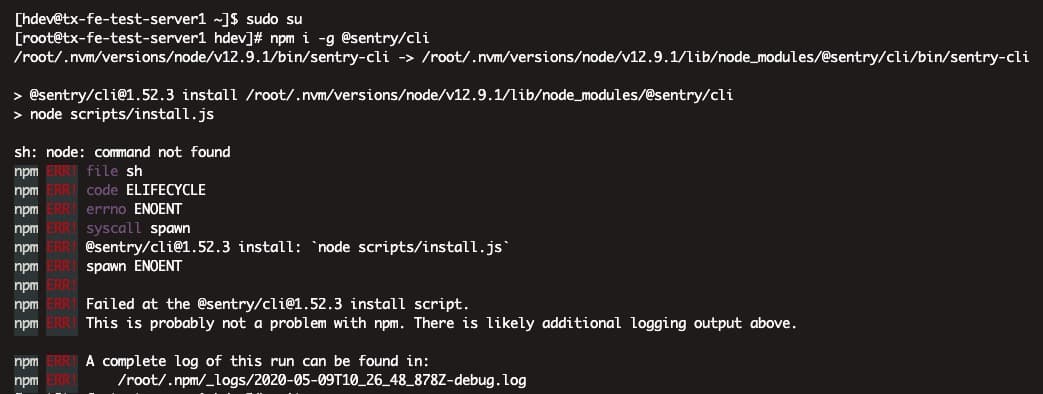
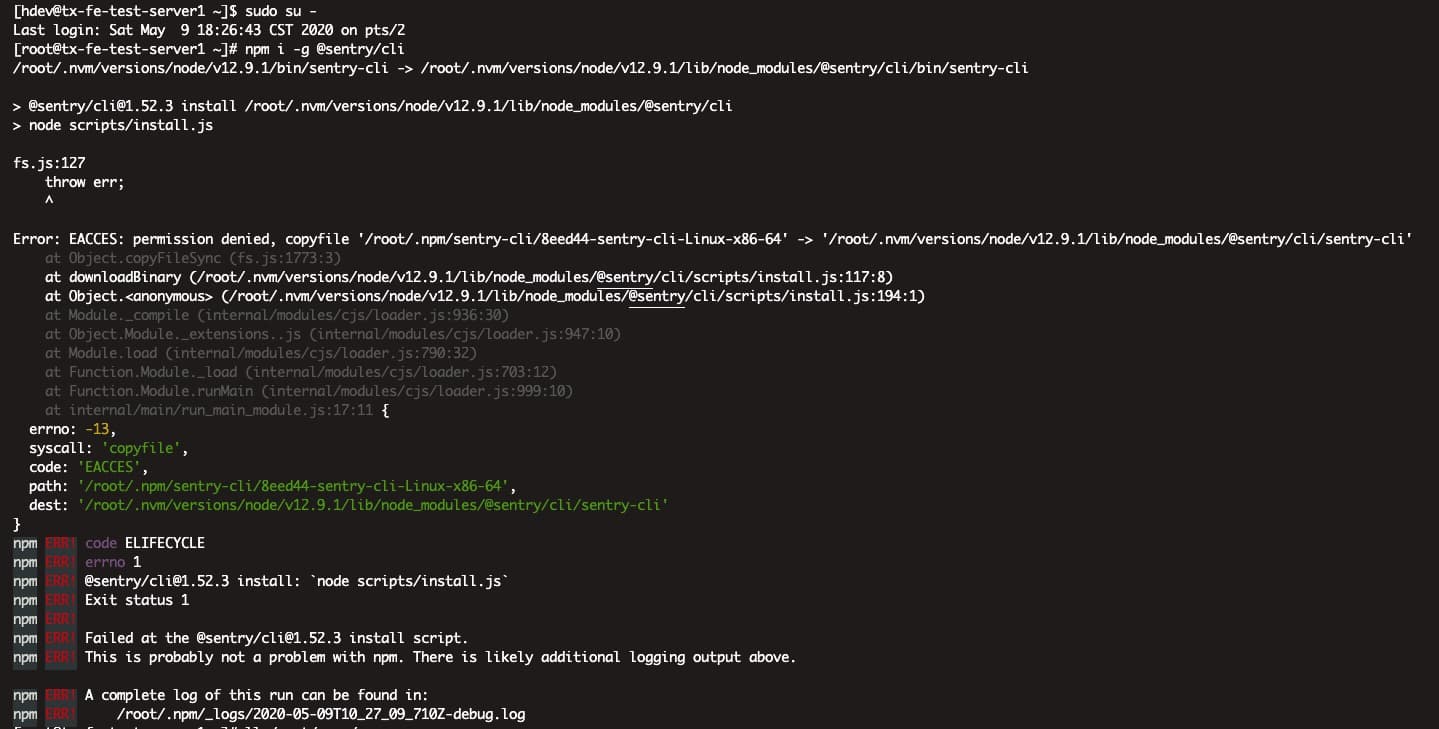
安装包 @sentry/cli 出现问题
# 下面两个虽然都会切换成 root 用户
sudo su
sudo su -
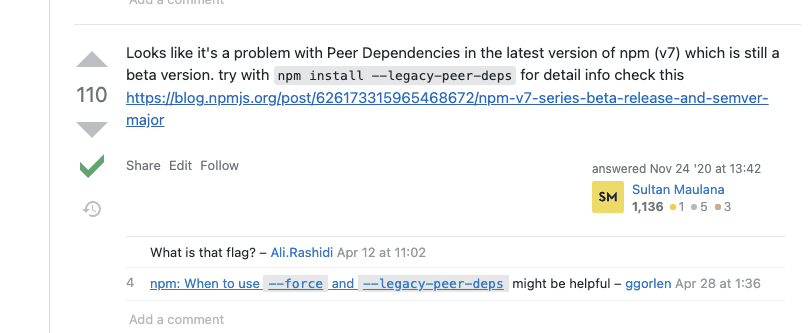
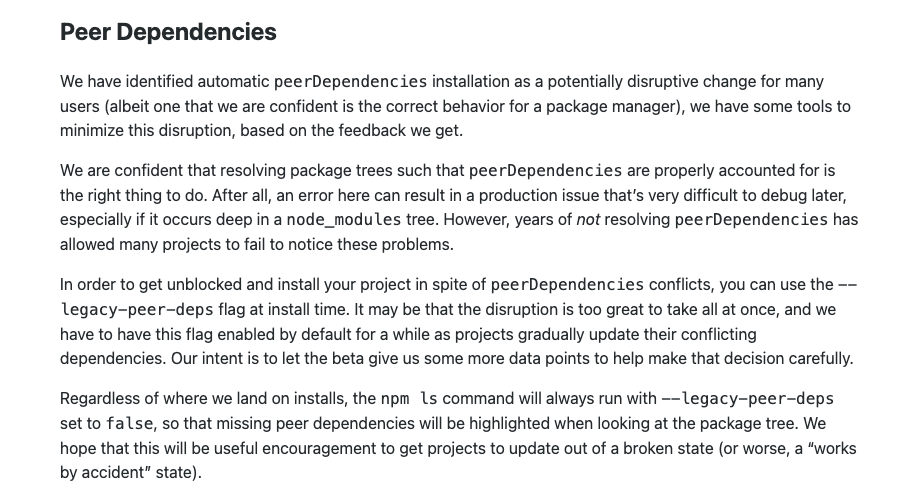
NPM 7 的 peerDependency 表现不一致
Discussion
留言与讨论
想法、补充和不同意见都欢迎。